
STROBE
Bugs & Workarounds
- To use a controller on web, follow these instructions:
- Press a button on your controller
- Select "Controller" from the input mode dropdown
- Click Refresh Device List
- Select your controller from the device list
- On Firefox, the default controller map appears to be wrong (for example Left Action appears to be mapped to Xbox Y). It looks to work correctly on chrome though.
- Alt-tabbing during whole-screen lore segments (e.g. the intro) can cause mouse capture issues. If you get stuck, just press escape or backspace until the menu appears and your mouse is visible, and then press play
About
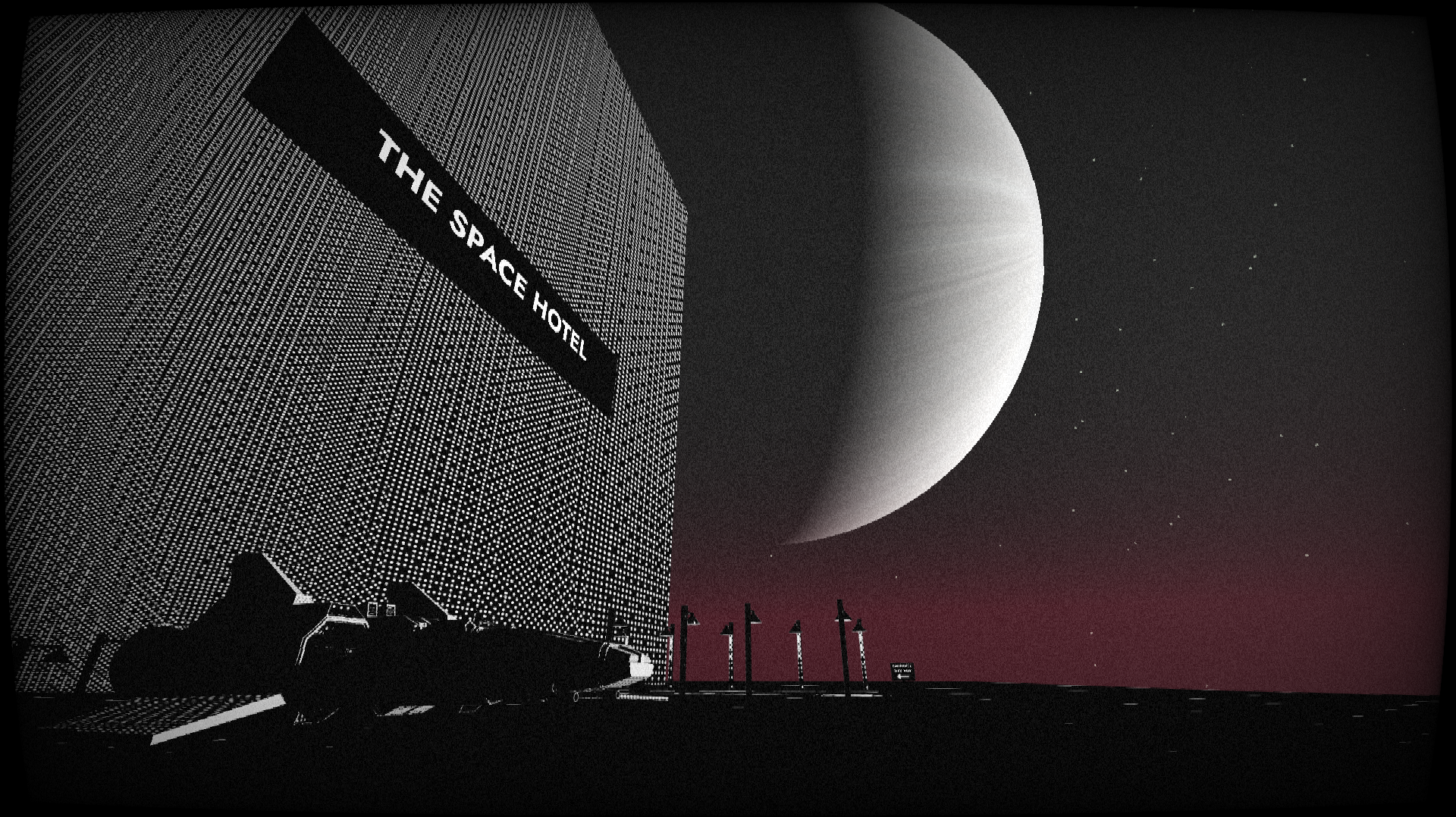
With your spaceship broken, you're forced to explore a foreign place to find new parts. Can you salvage what you need and, most importantly, get home in time for dinner?
The game might take a little while to load on web.
If you get stuck, try using the camera to find items that might be useful.
Controls
You can switch between Keyboard and Joystick input using the "Input Mode" drop down in the menu.
- Move: WASD / arrow keys / Left Joystick
- Camera: Mouse / Right Joystick
- Interact with object: E / Xbox X
- Open/close menu: Backspace
- Skip cutscene: Spacebar / Xbox A
Unlocked later on in the game:
- Take Picture: Q / Xbox RB
- Attack: Left / Right Mouse / T / Xbox RT
- Lower hands (if holding items): H / Xbox LB
- Jump: Space / Xbox A
Recommendations
- I recommend playing with headphones for the best experience.
- I suspect the downloaded builds will run better and have less shader issues, but I haven't really tested this. It also makes the mouse capture more reliable.
- Sometimes the text is hard to read; there is a setting in the menu to add a black background to all textboxes.
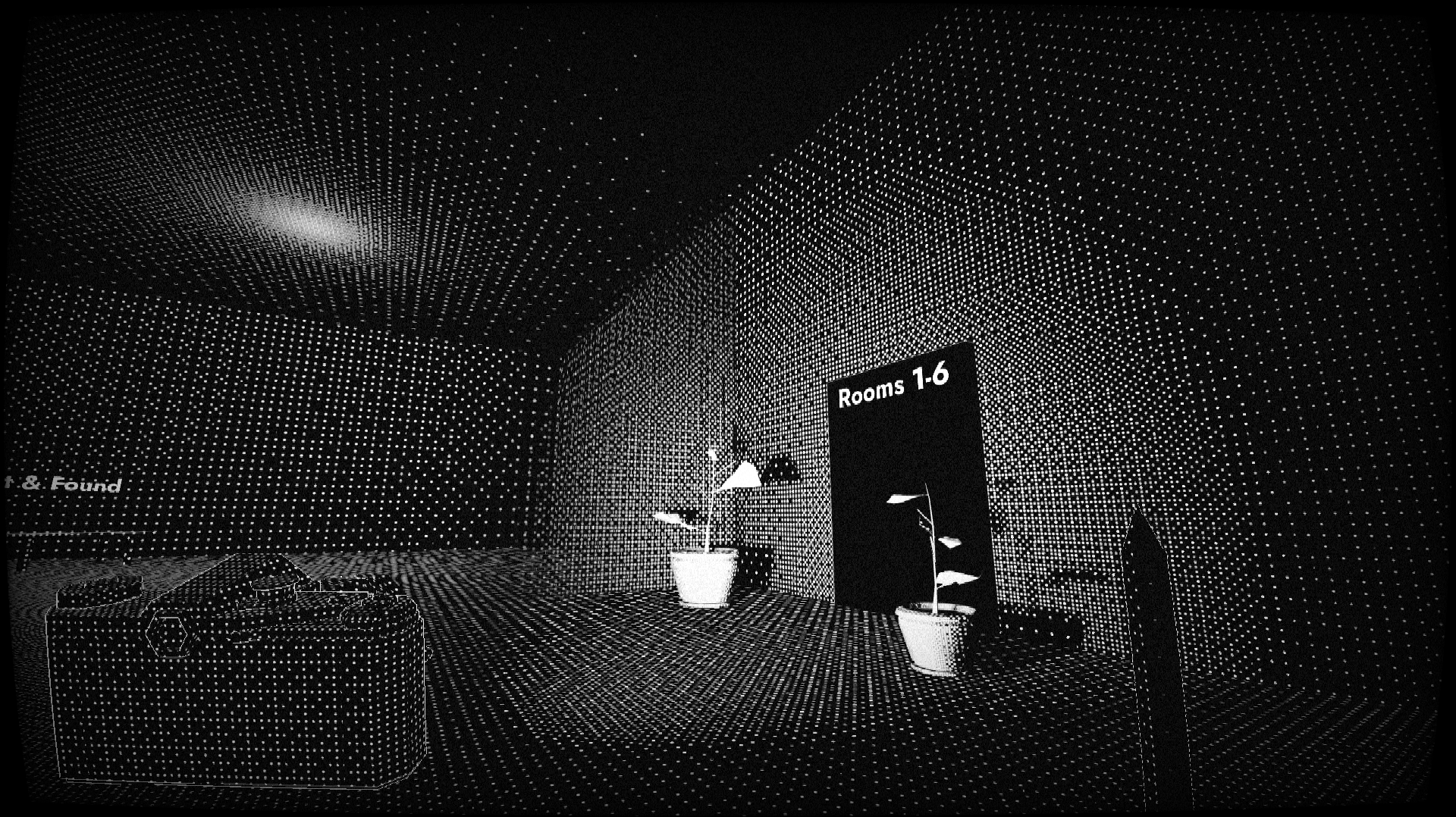
- If you find the static and vignette annoying, you can turn off the CRT shader in the main menu
Inspirations
Misc
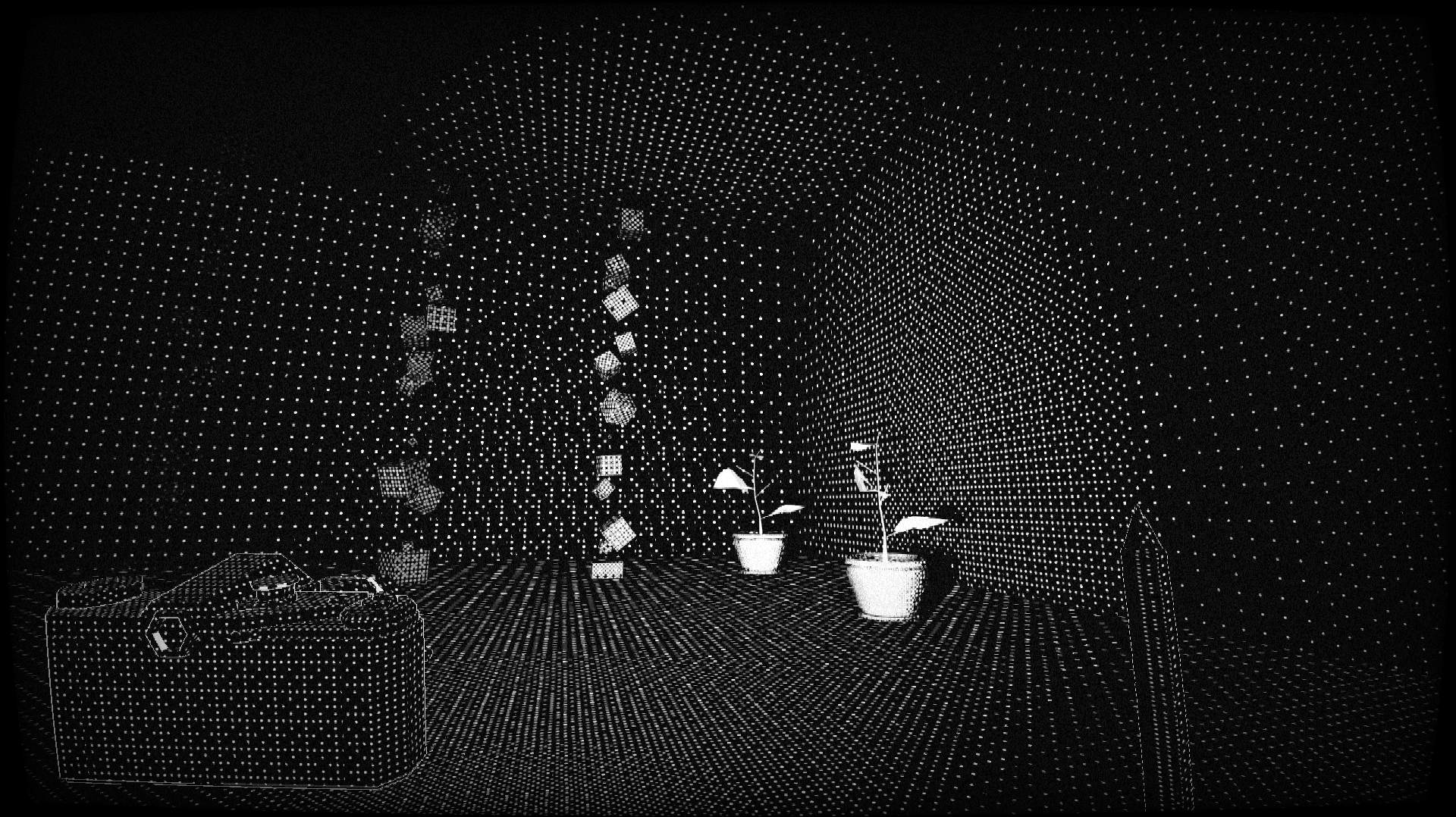
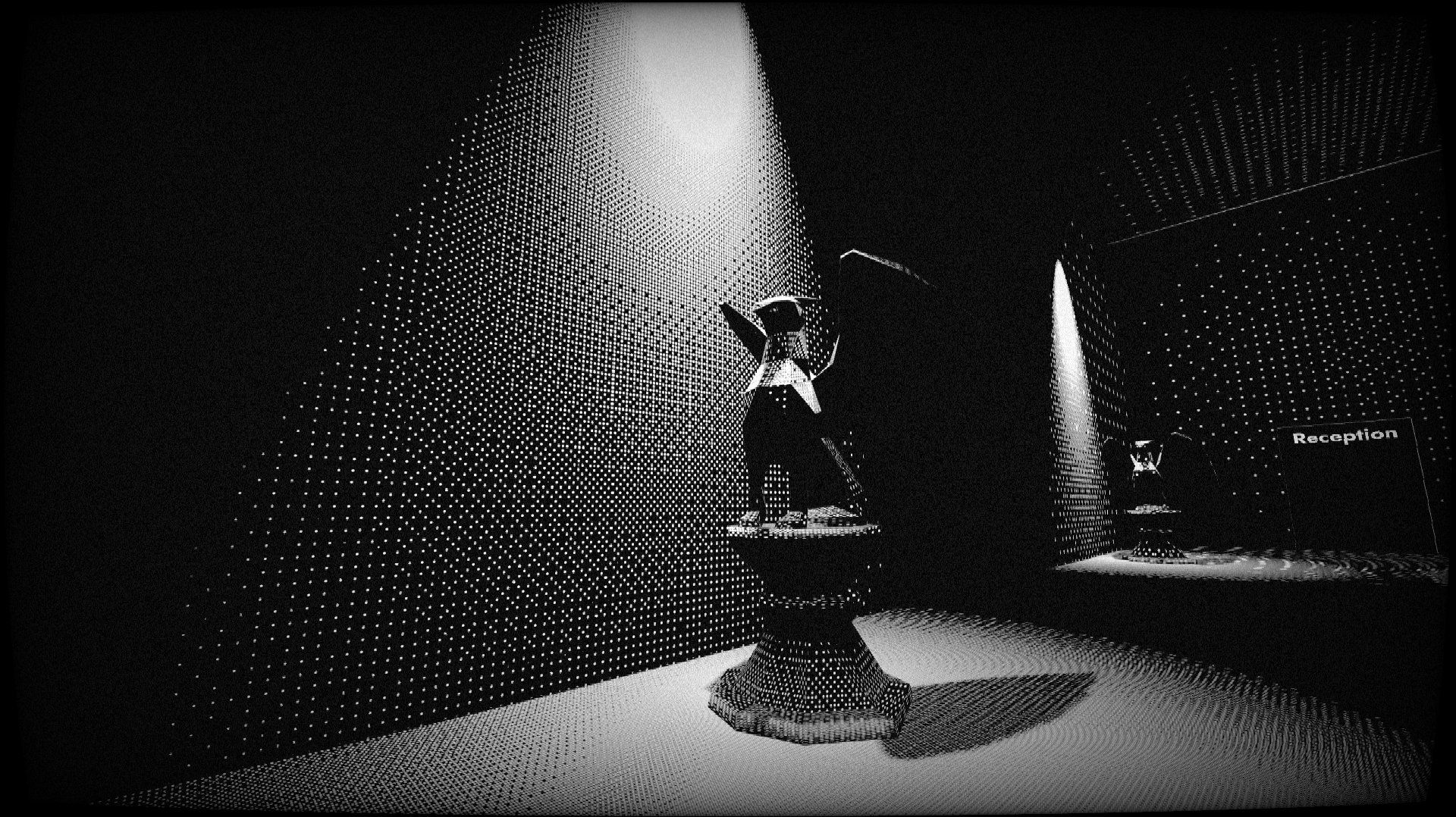
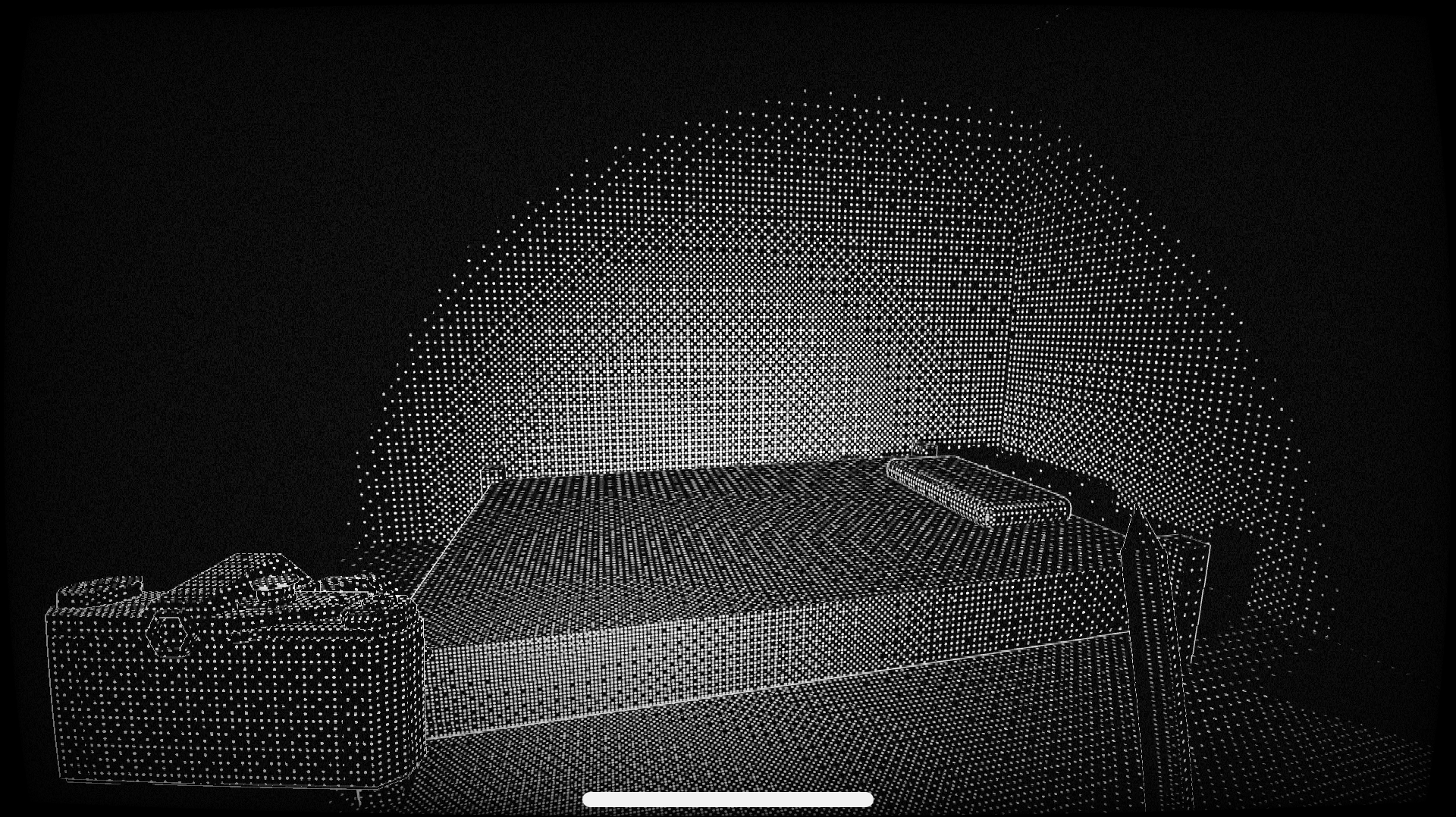
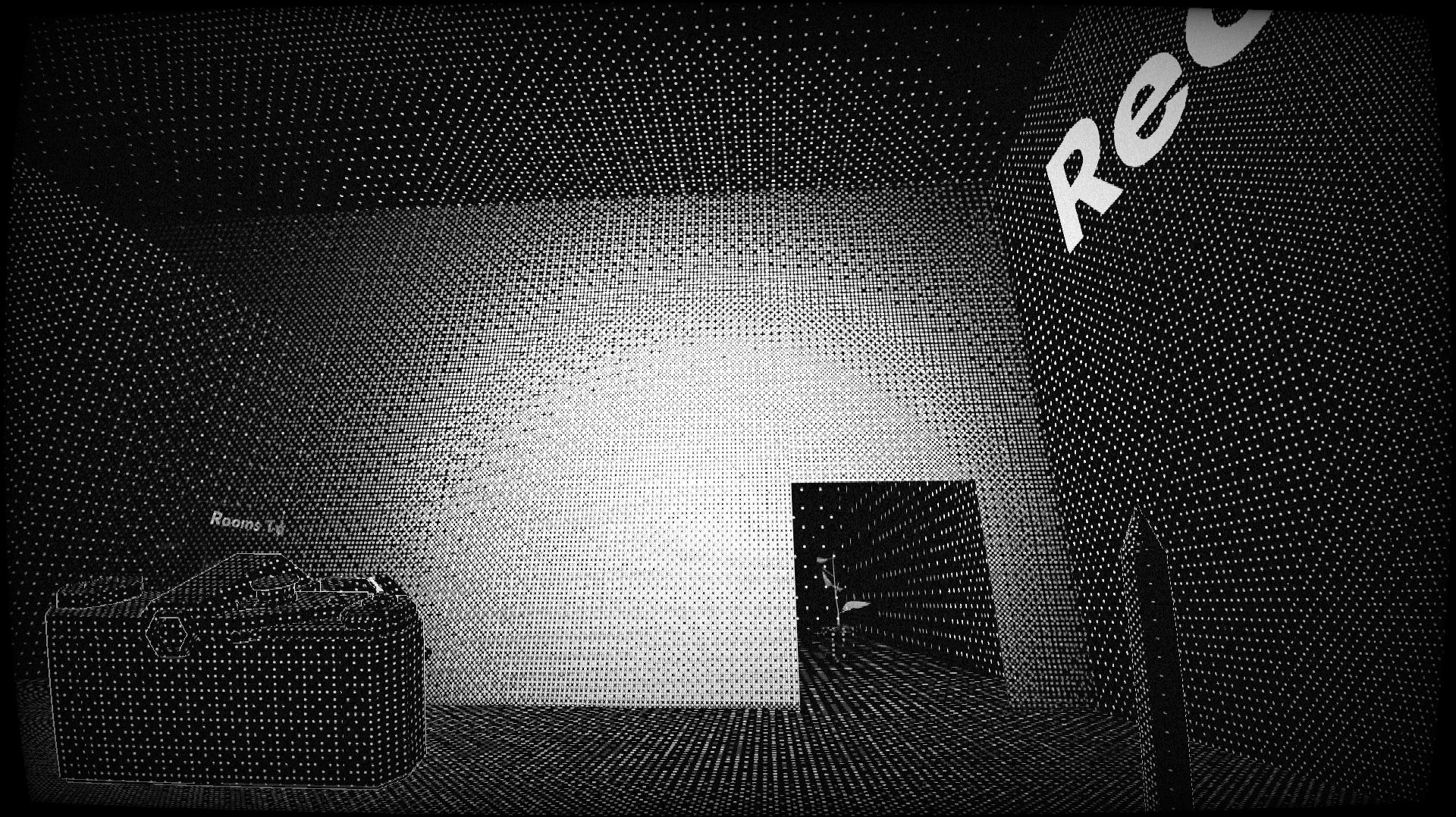
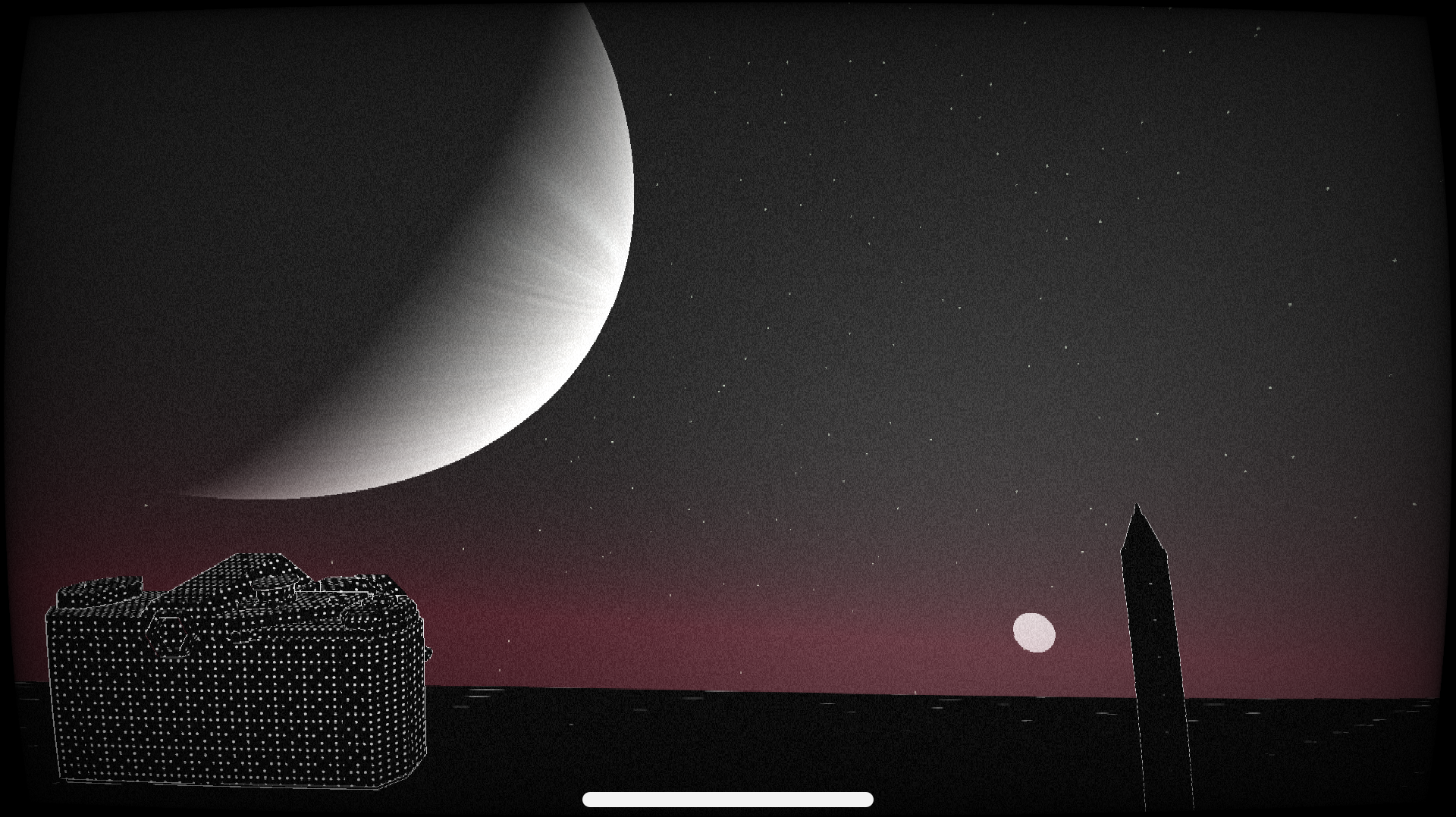
- In previous builds sometimes the shaders don't load. If the game doesn't look like the screenshots (e.g. if the walls are all grey and you can't see anything) then try reloading the page.
- On linux, the window options sometimes take multiple attempts to set them correctly
- There is a small stutter in the 2nd level that happens on web, but it doesn't look to break anything
Download
Click download now to get access to the following files:
Development log
- macOS version & controller supportFeb 05, 2026
Comments
Log in with itch.io to leave a comment.
Nice game! I would literally be satisfied playing it as a real game since there was so much put into the graphics and mechanics. 5 stars. Would you mind checking out my game? It would really mean a lot to hear from other game developers, especially since it's just a prototype. Here's the link: Decked Out: Infinity by Jandj or you can just go to my profile and see it there. Great game!
Hey! Thanks for checking out my game; I think if I made this into just a walking simulator with cool visuals it would probably be more fun! The visuals are definitely the strong point like you say.
Unfortunately I'm on linux and it looks like your game is only on windows? Sorry :/
Oh, that's alright. Thanks for trying, though. I'll see if I can get a linux build.
Cool game! I enjoyed the mechanics and everything, at one point the layout of the game was upside down and my WASD keys was flipped backwards ToT. I assumed it was part of the game but when I died everything went back to normal so it wasn't much trouble! Overall, good game!
Hey, thanks so much for playing :) And yeah I just checked and the camera rotation can go upside down like you say; I'll note it down and update the game once the game jam is over :)